
Float over anything.
The core of StickyHover — and most of it is free.
One floating note, every app, every time.
Tap the float button. Your note becomes a draggable window on top of whatever app you're using — with its title, date and a scrollbar when the text runs long. Stack as many as you want with Pro.
- Drag anywhere on screen
- Resize by dragging the corner — from a one-line strip to half the screen
- Set opacity per note — free
- Per-app context: show only on your trading app, hide on WhatsApp (Pro)

From a one-line strip to half the screen.
Drag the corner and a floating note now resizes freely in both directions — down to a single line, up to half your screen. Whatever size you pick, the whole note stays readable: scroll up and down, and sideways too, right inside the sticky. The window never moves while you scroll.
- Shrink to a one-line strip that stays out of the way
- Grow up to half the screen for long notes
- Two-way scrolling with slim scrollbars
- The size you choose is remembered per note

Five notes on screen. Or fifteen.
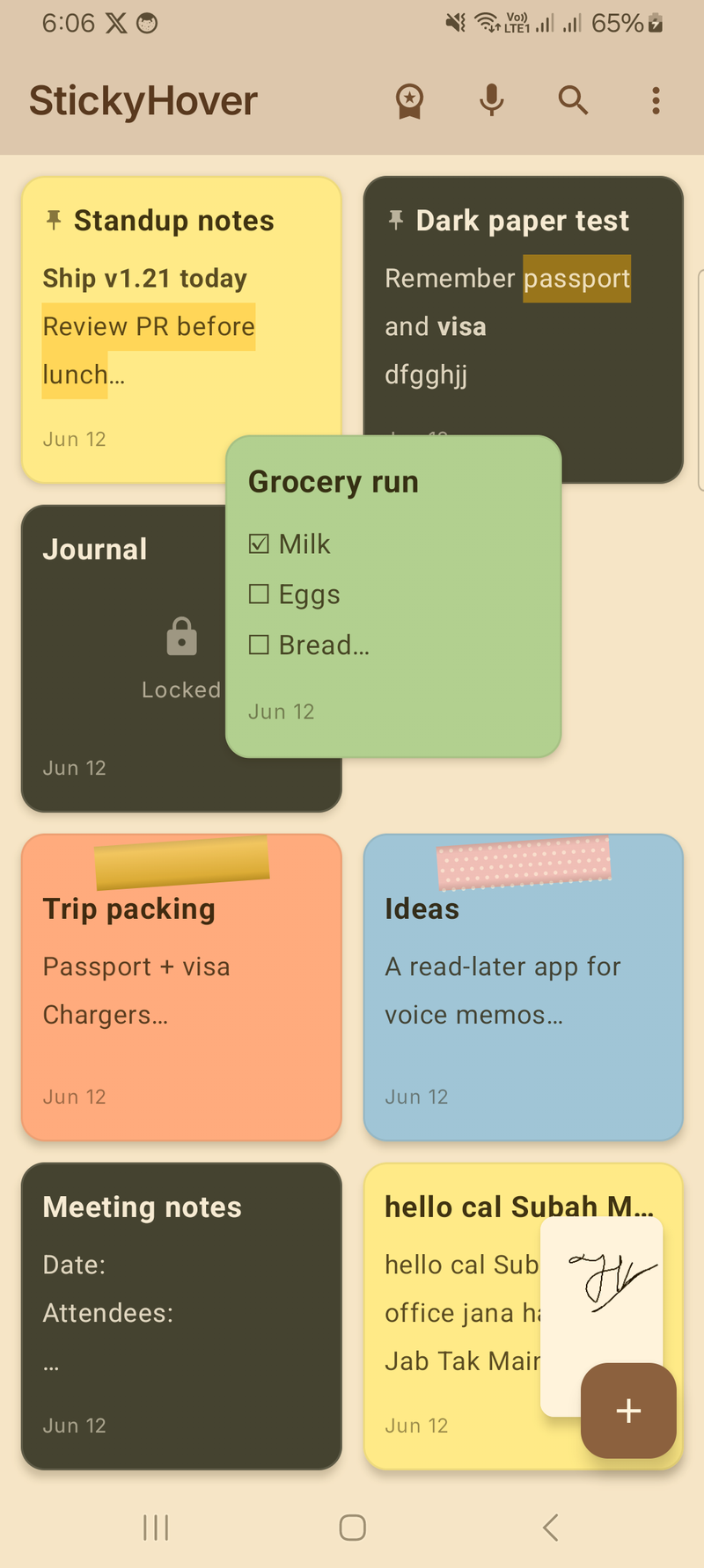
Stack a checklist, a trip plan and a photo note side by side — each with its own size, colour and position. Turn on Card deck and three or more notes fan into a tidy cascade at one corner; tap any card's title to bring it to the front.
- Unlimited floating notes at once
- Each remembers its own size and place
- Card deck cascade when 3+ notes are open
- Glass blur, spring drag and edge snap on every note


Shrink a note to almost nothing.
Minimize a floating sticky and choose what it becomes: a sphere, a flat dot, a pill with the note's first word, a folded sticky corner — or something tiny that docks to the screen edge and stays out of the way: an edge tab, a corner fold, a micro dot or a hairline. Three sizes each, always in the note's own colour.
- 8 minimized shapes × 3 sizes
- Edge tab, Corner and Hairline dock to the nearest edge
- Tap to bring the note back full size
- Sphere stays free for everyone


A quick-add bubble that's always one tap away.
Switch on the floating bubble and keep it on screen over any app. Tap it and a fresh note pops up ready to type — perfect for catching a thought the moment it strikes. Since v1.25 it parks half off the edge when idle, never gets stuck under the navigation bar, and you can pick its face.
- Floating button over any app
- Tap to start a new note instantly
- Drag it anywhere — it tucks to the edge
- Icon styles: Plus (free), Pencil, Sticky or Spark (Pro)

Edit a floating note right where it floats.
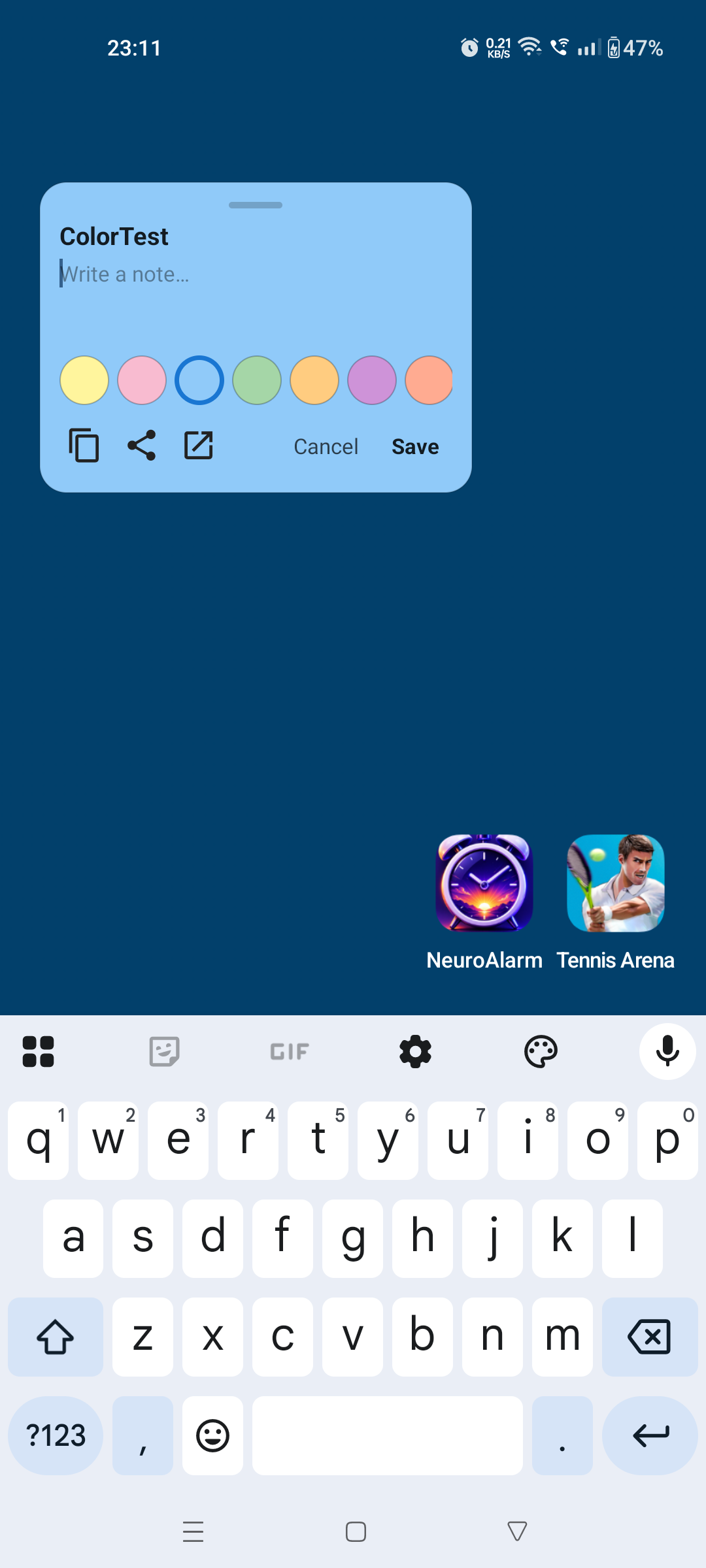
No more hopping back into the app. Tap the pencil on any floating note to change the text, switch its colour, copy, paste or share — all without leaving the app you're already in.
- Type straight into the floating note
- Pick from 10 paper colours on the spot
- Copy, paste and share in a tap
- Jump to the full editor whenever you want

Pop a note onto the screen — only on the apps you choose.
Show a trade plan only when your broker app is open. Hide a personal checklist when WhatsApp is. Granular per-app rules that just work.
- Pick from your installed app list
- Modes: Always show / Show only when / Hide when
- No accessibility service required (uses Android Usage Access)
- Reads only the foreground package name — never window content

5 premium floating effects, on every note.
Make your floating stickies feel alive. Glass-blur backgrounds, physics-based drag, magnetic edge snap, tap-to-collapse into a bubble, and a card-deck cascade when 3+ notes are open. Toggle each one independently.
- Collapse to bubble — shrink any sticky into a Messenger-style chat-head
- Glassmorphism — frosted-glass blur (Android 12+)
- Spring drag — release a note and it flings with momentum
- Edge snap — magnetic dock to nearest screen edge with haptic tick
- Card deck — fan 3+ notes into a tidy cascade at one corner

Your call script, on screen the moment the phone rings.
Mark a note "Show during phone calls" and it floats automatically when a call starts — a script, a checklist, the landlord's list of things to ask. Set its opacity so the dialler stays readable underneath, or minimize it to a sphere until you need it.
- Auto-float a chosen note on incoming and outgoing calls
- Per-note opacity slider so the dialler stays readable
- Per-app context and reminders live in the same panel

Capture a note from anywhere — nothing to open.
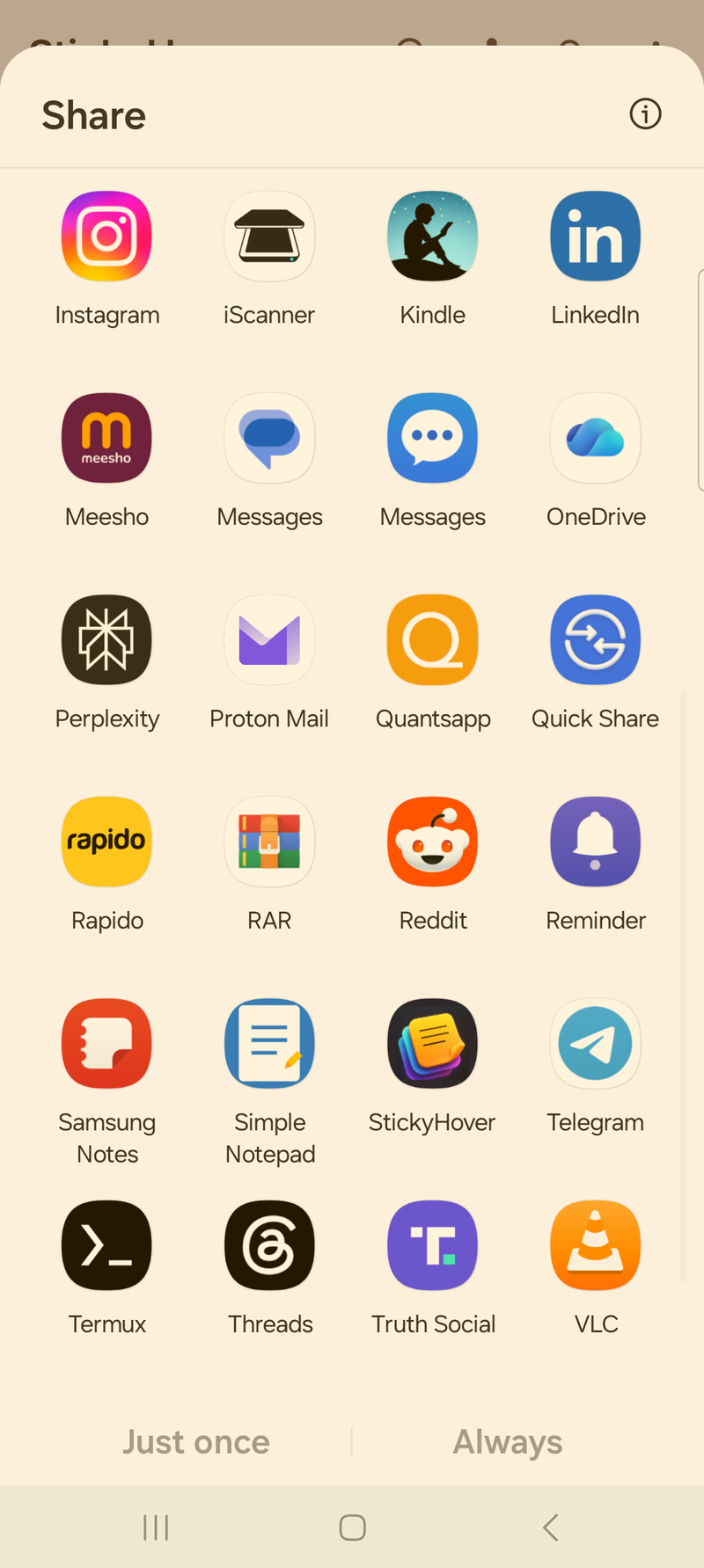
The Quick Settings tile and the notification drop a ready-to-type floating note straight onto your screen. Share text from any app — a link, an address, a message — and it lands in a new sticky. From a webpage, a chat or your home screen, you're writing in a second.
- One tap from the Quick Settings tile
- "New note" action in the notification
- StickyHover in every share sheet — shared subjects become titles
- Lands as an editable floating note: type, colour and save